
Color*
Not include shipping cost.
LINK-PP LPJ1075-1BHNL 100% Cross RTA-110AHQ1A UDE
United States
Carrier
CostDelivery TimeTracking
义达,燕文
$ 11 6-30 daysAvailable
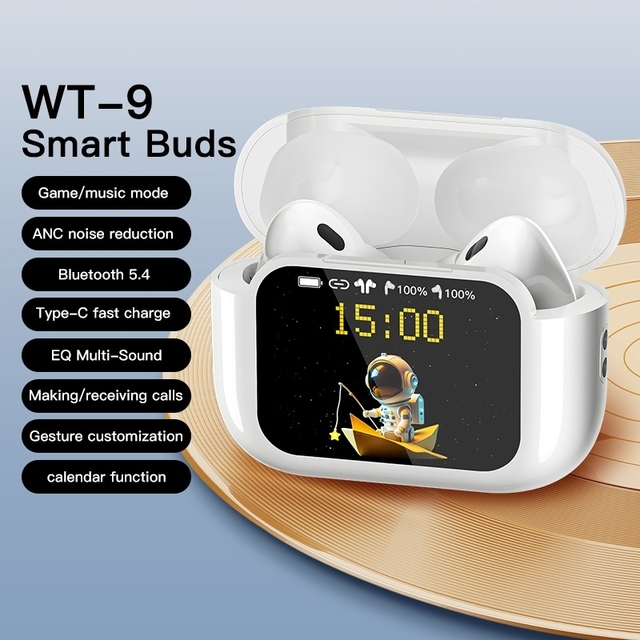
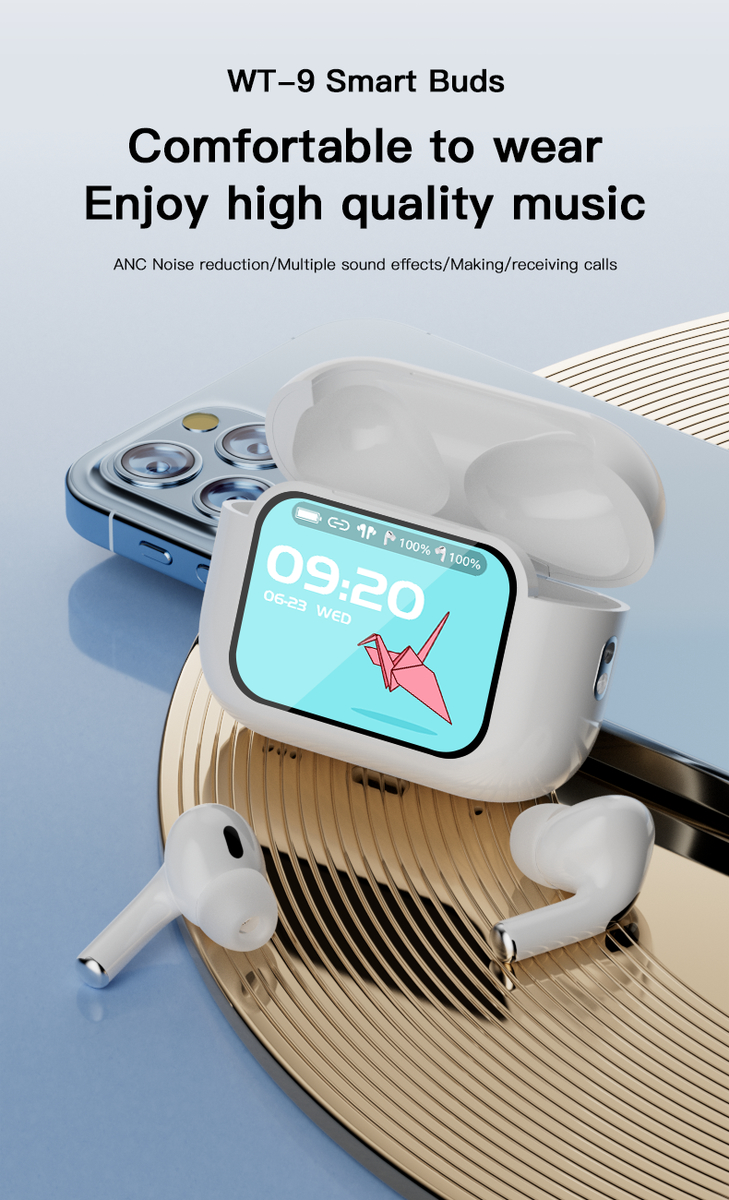
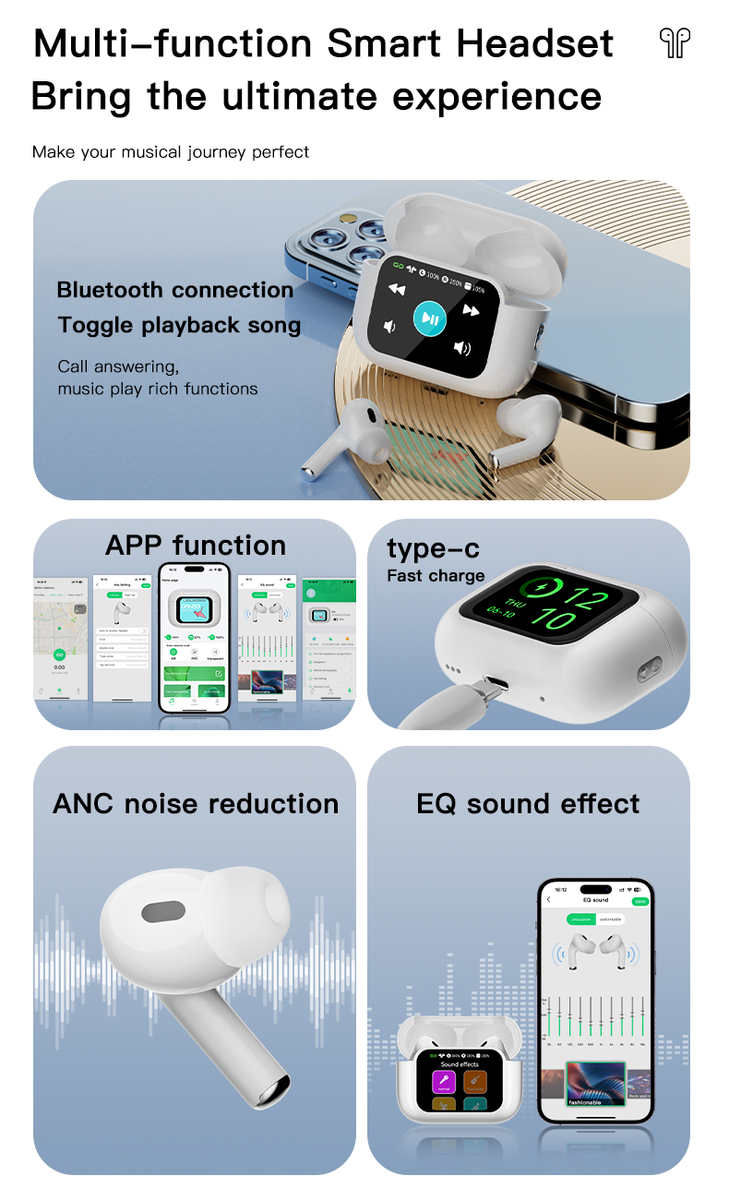
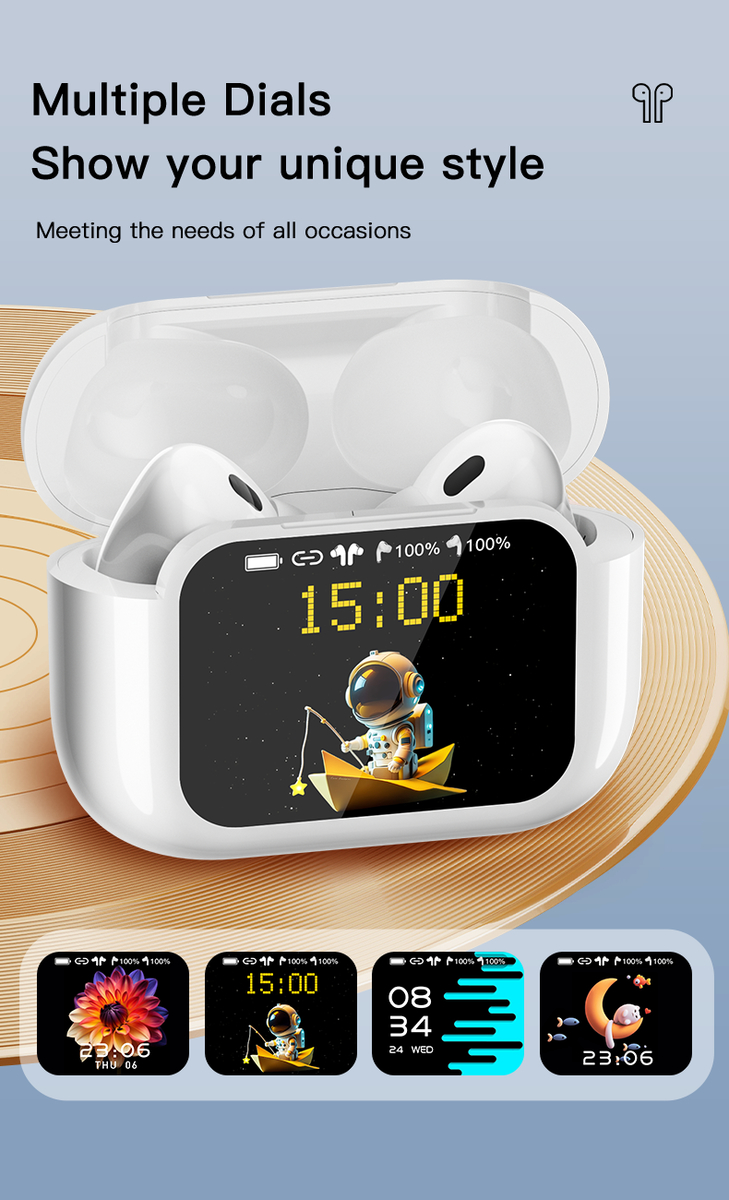
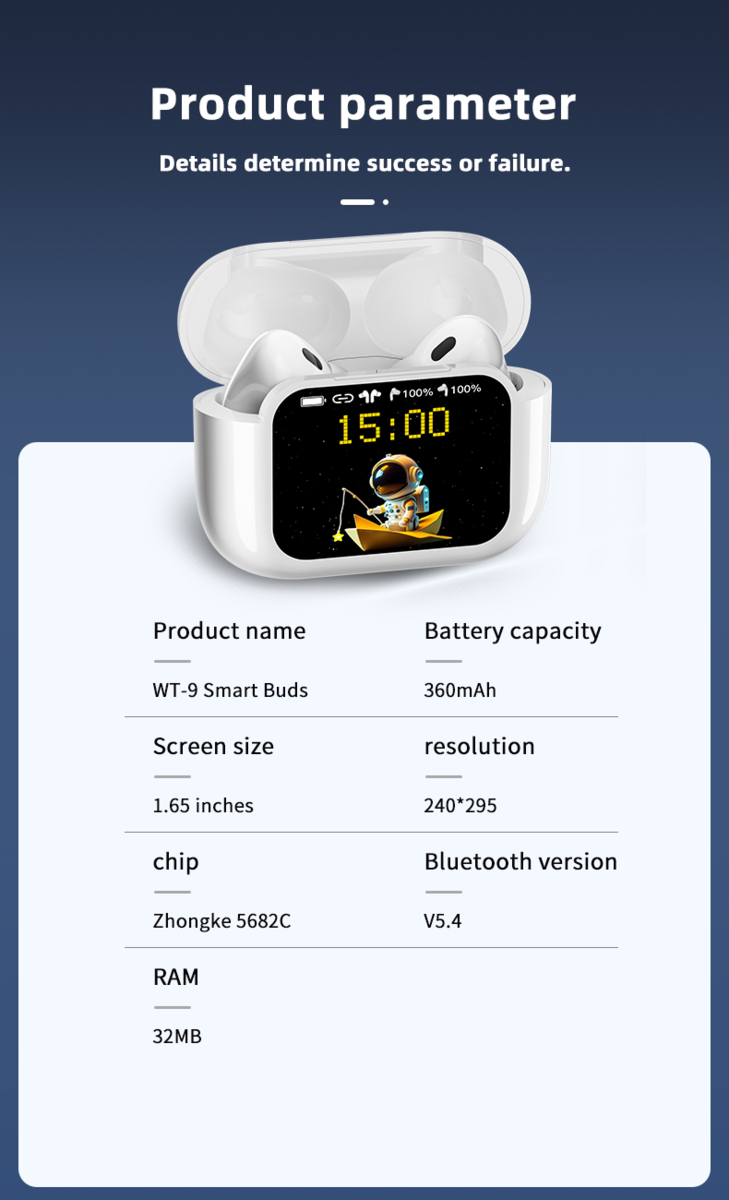
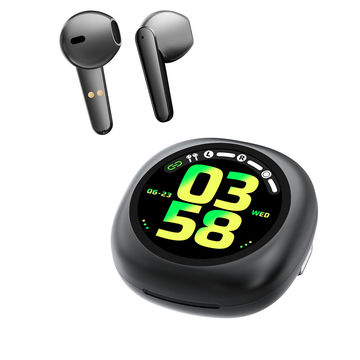
WT-9 Touch Screen Bluetooth Wireless Earphones Rechargeable APP Control
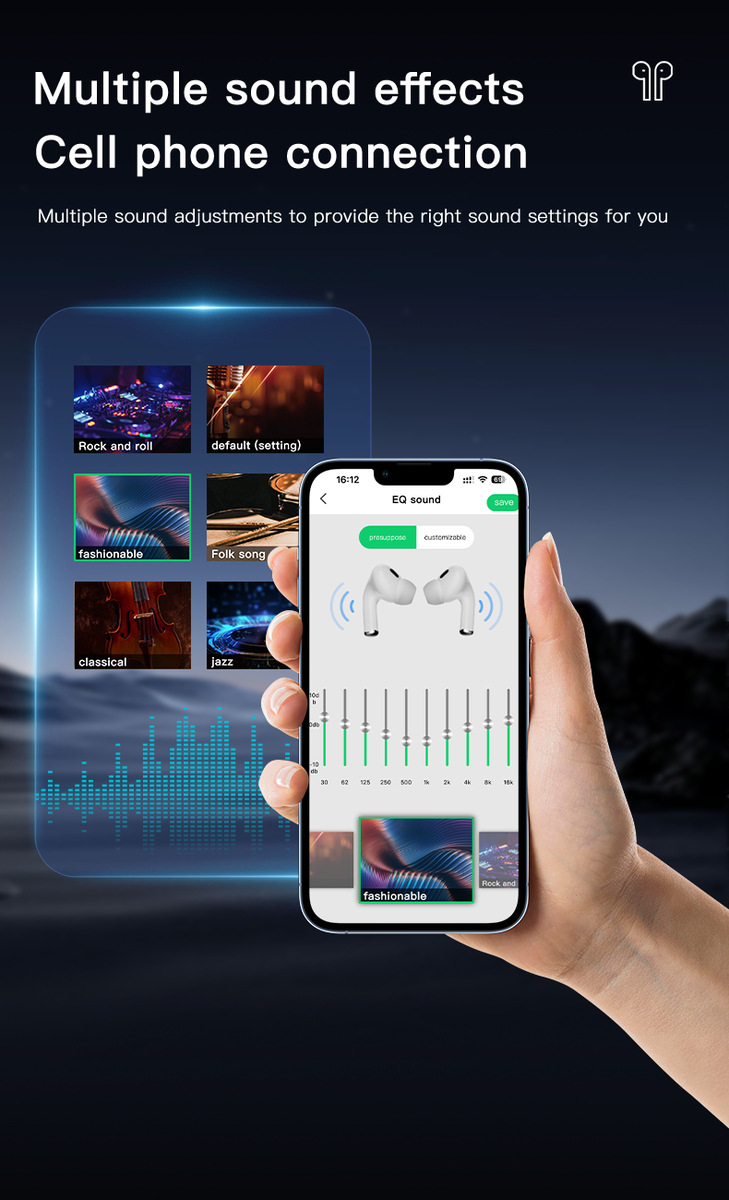
| function | Messages, counter, Phone (call history, contacts, Dials, SOS), Altitude pressure, Games (Birds, wood fish), Mode selection, Find headphones, GPS location, Camera, Voice Assistant, Music, Noise reduction (Normal, ANC, transparent), Find Phone, calculator, Headset button Settings, alarm, Weather, Women's Health, Settings (System menu, Display, Display) Dial setting, theme menu, menu background, two-dimensional code, time setting, language setting, password setting, prompt tone, screen pointer, open animation, in-ear detection, touch wake up), card holder, flashlight, calendar, payment code, stopwatch, two-dimensional code, sound effect, timer; Down menu: ANC, Sound, Brightness, alarm, Settings, QR Code, Music, Password, About Up the menu: Messages; Right swipe: Music,ANC, Sound Effects, Weather, click "+" to customize; | |
| TWS Language | Chinese, English (default), Russian, Spanish, Italian, Portuguese, Dutch, Turkish, Vietnamese, Hebrew, Thai, Arabic, Malaysian, Farsi, German, French, Polish, Greek, Indonesian, Ukrainian, Romanian | |
| 仓UI | 1. Power on: Press and hold the Power button for 3 seconds 2. Shutdown: 1) Go to Settings - System Menu - Shutdown - Slide Screen to Shutdown 2) Press and hold for 5 seconds while the lid is closed to turn off the device 3. Turn on/off screen: Click the Power button 4. Return to the homepage: Click the Power button 5. Support user-defined headphone button functions | |
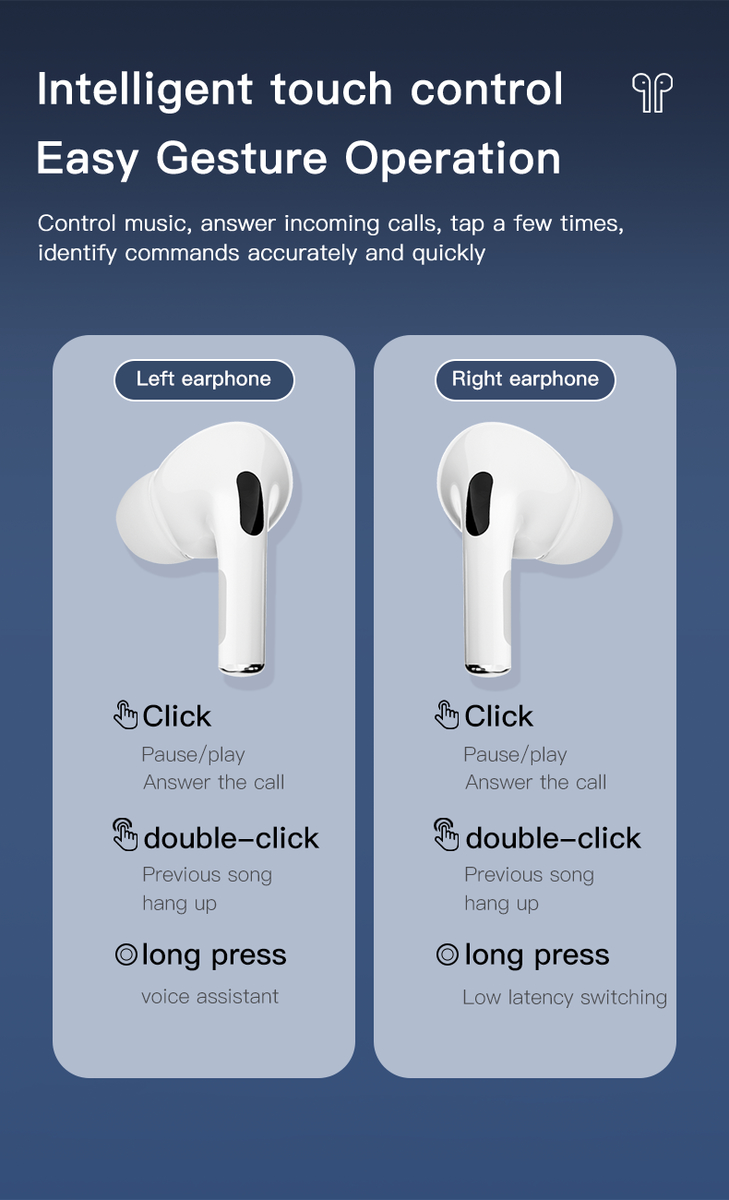
| 耳机UI | 1. Normal state: 1) Click on the left and right ears: Pause/play; 2) Double click with left ear: previous song; Double click on right ear: Next song; 4) Left ear long press: Voice assistant Right ear long press: low delay switch 2. Call status: 1) Click on the left and right ears: connected 2) Double click on the left and right ears: Hang up 3. Call status: 2) Double click on the left and right ears: Hang up | |
| Hardware parameter | Chipset Supplier | AB |
| Chipset | ZK5682C | |
| FLASH | 32MB | |
| BT | BT 5.4/3.0 | |
| screen size | 1.65" | |
| resolving power | 240*295 | |
| touch | COB | |
| Hall | support | |
| Keys | support | |
| battery | 360MAH | |
| Charging Method | TYPE-C/ | |
| Hardware parameter | Chipset Supplier | AB |
| Chipset | ZK5636H | |
| BT | BT 5.4/3.0 | |
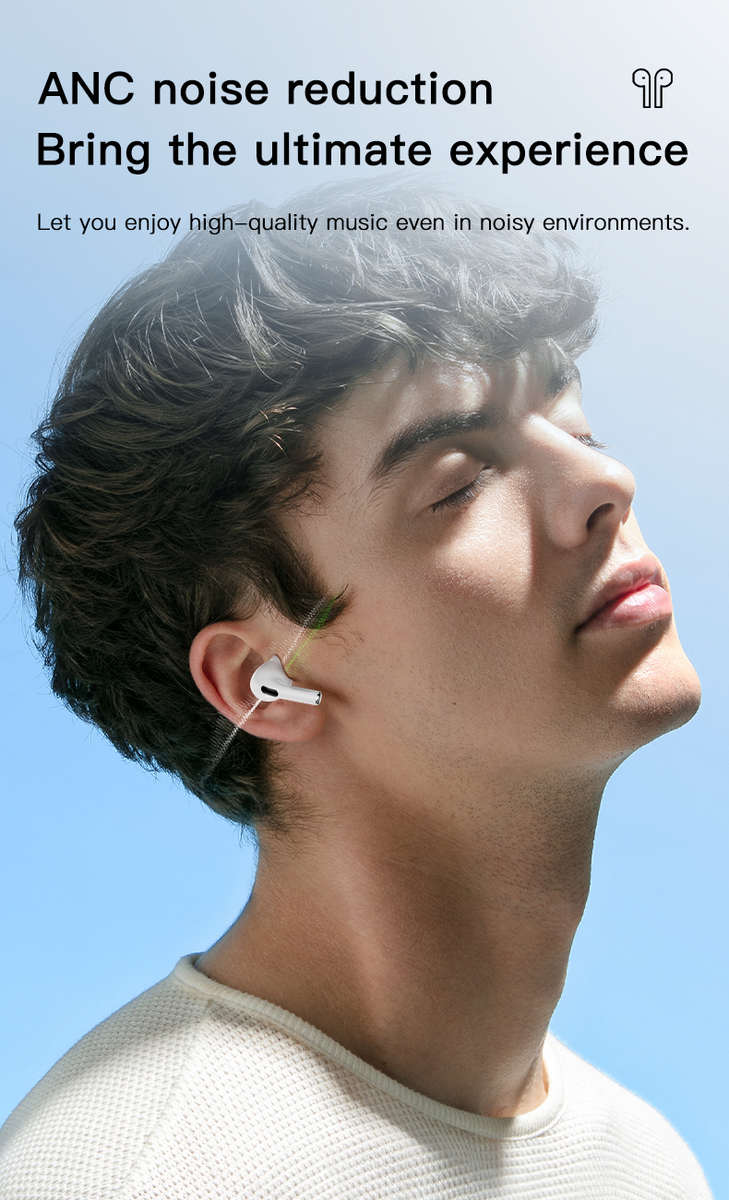
| ANC/ENC | support | |
| In-ear detection | support |
| Compatible System | Android 5.0 IOS 9.0 | |
| upgrade | OTA | |
| Life time | 7-15Days | |
| Charging time | 1.5H | |
| mm | 60.6*45.3*23.6 mm | |
| Weight | 51.5g | |
| Color | white. | |
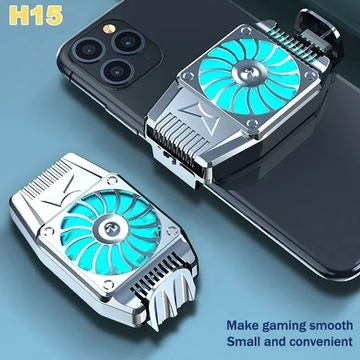
Retractable Buckle Design H15 Mobile Phone Cooler with Powerful Heat Dissipation
5K Sold
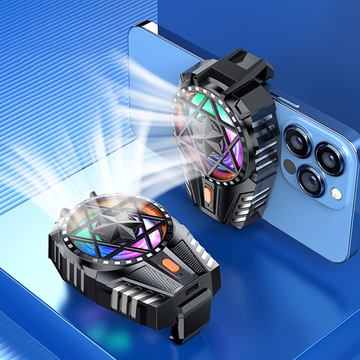
Mobile Phone Air Cooler for iPhone Samsung X112 300mah Rechargeable with RGB Light
5K Sold
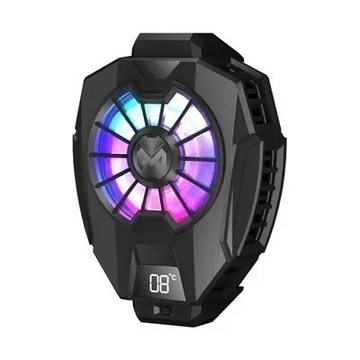
DL05 4-7 "Universal Digital Display Mobile Phone Radiator Cooler Mini Rechargeable
500 Sold
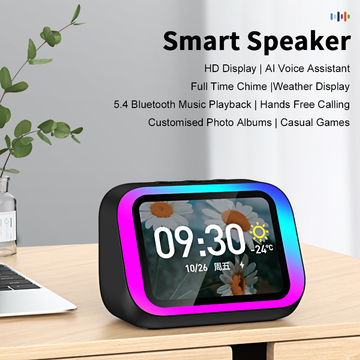
Intelligent Large Screen Bluetooth Clock Screen Temperature Display Control Table Speaker FM
5K Sold
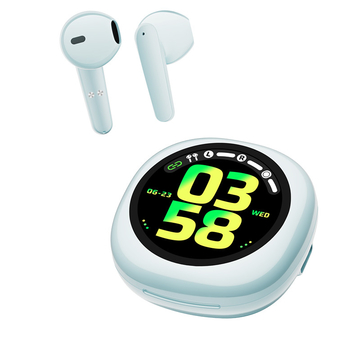
High-Performance Wireless Bluetooth Earphones with Advanced Chipset and Long Battery T19
5K Sold
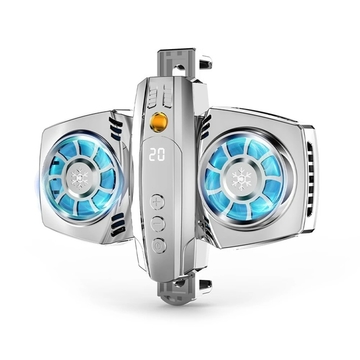
Dual Cooling Fans K4 Mobile Phone Radiator Semiconductor Temperature Display
5K Sold
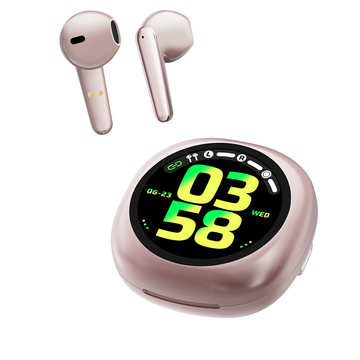
T19 Smart Buds New AI Features wireless bluetooth earphones 300MAH battery
5K Sold
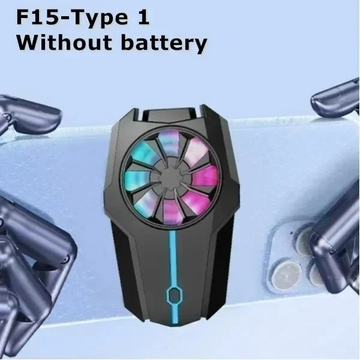
F15 Mobile Phone Cooling Fan Radiator Air-cooled Back Clip Game Cooler
5K Sold
5K Sold
5K Sold
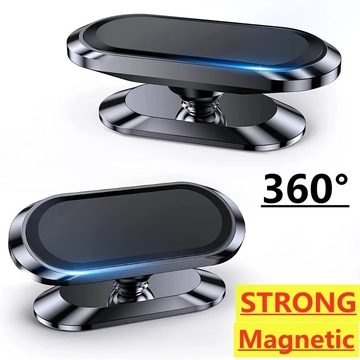
Magnetic Car Phone Holder Stand Mobile Cell Air Vent Magnet Mount GPS Support in Car
5K Sold
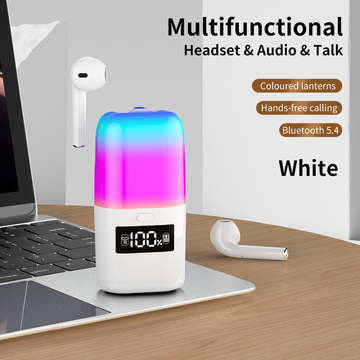
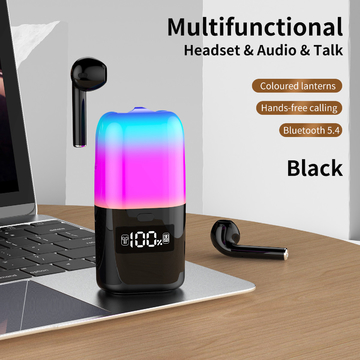
New 2in1 TWS Earphone Bluetooth Speaker Color Atmosphere LED Light Display Screen Music
5K Sold
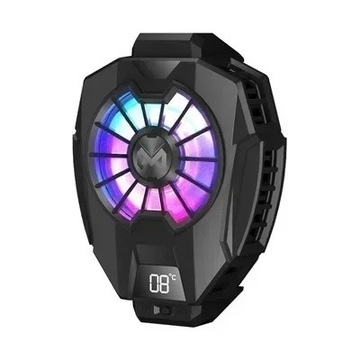
DL05 4-7 "Universal Digital Display Mobile Phone Radiator Cooler Mini Rechargeable
5K Sold
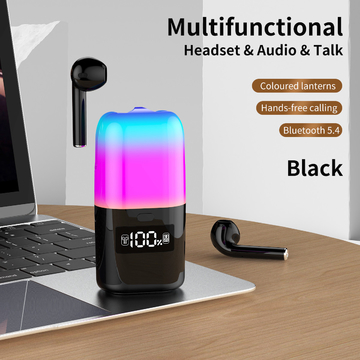
2in1 TWS Earphone Bluetooth5.0 Speaker LED Light Battery Level Display Screen Music Player
5K Sold
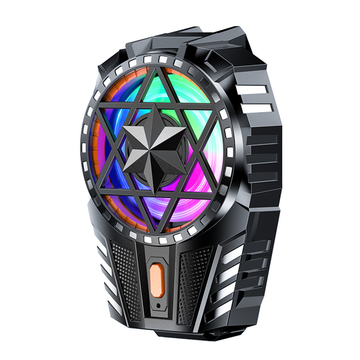
X112 Phone Cooling Fan 300mah Rechargeable with RGB Light Three Adjustable Speeds
5K Sold
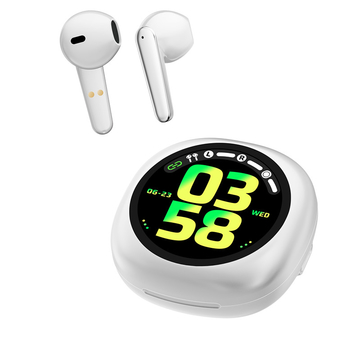
Big Battery Wireless Bluetooth Earphones with TYPE-C Charging Method for Durability and Efficiency
5K Sold